
 Get demo access
Products




Implant Planning
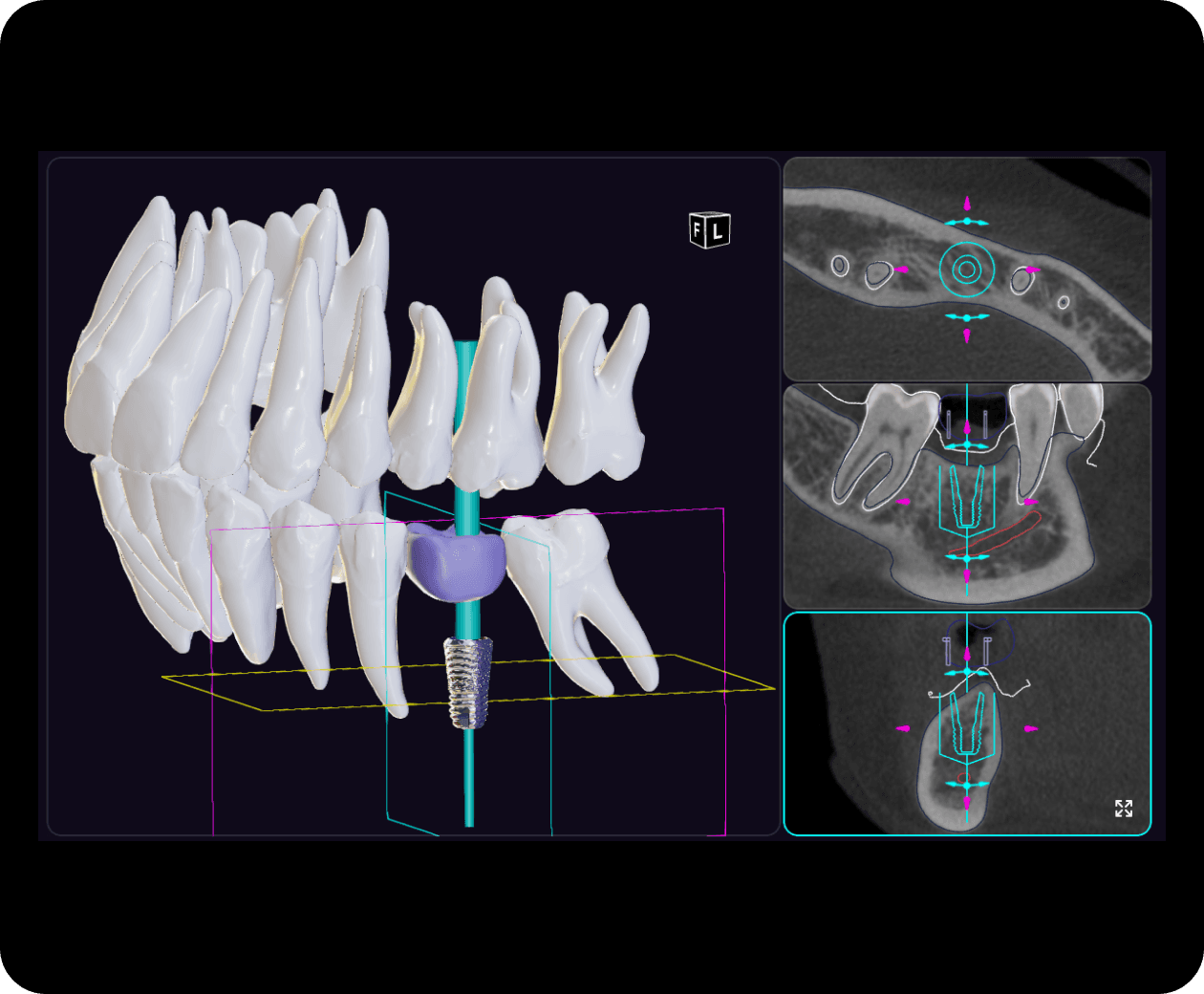
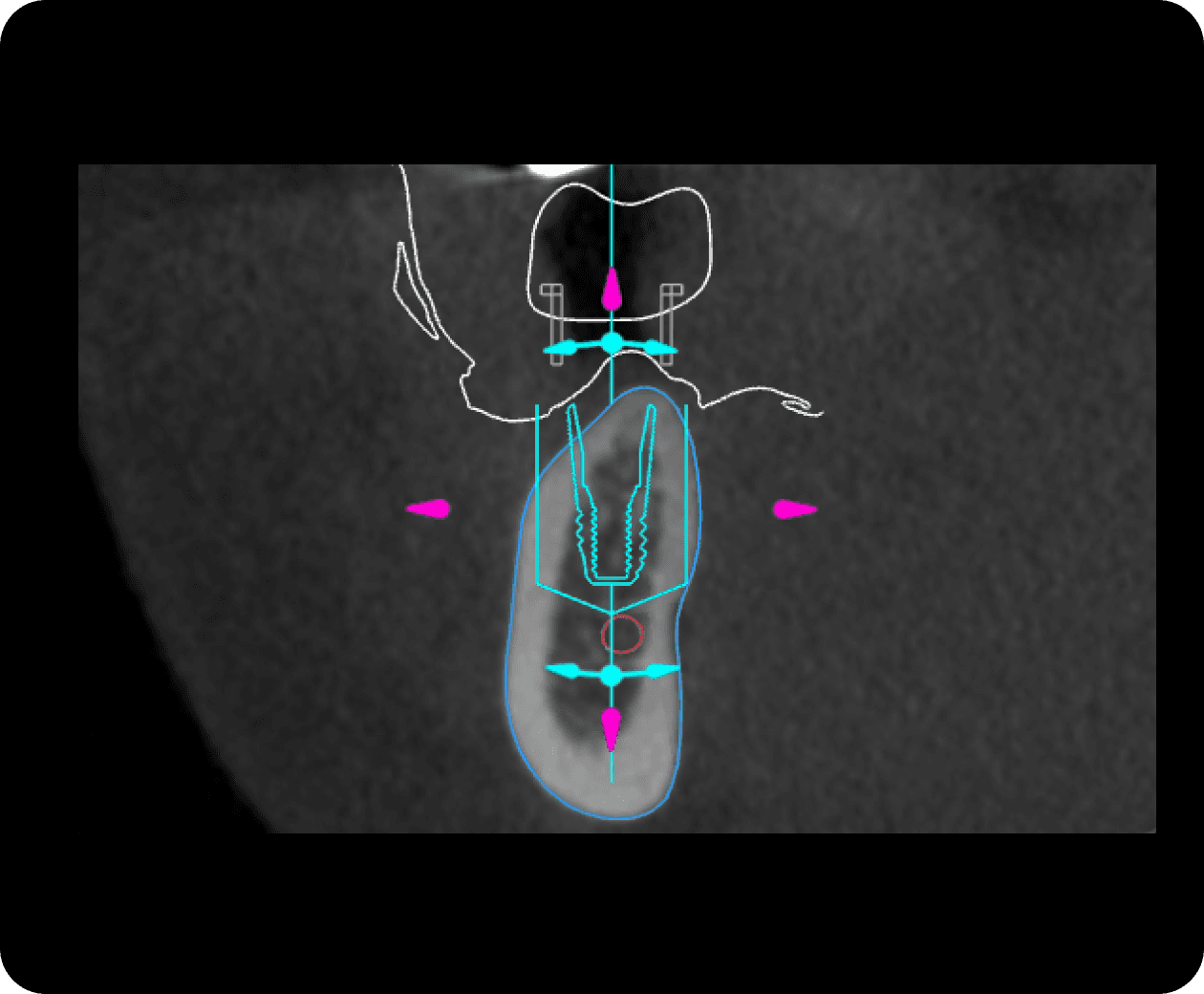
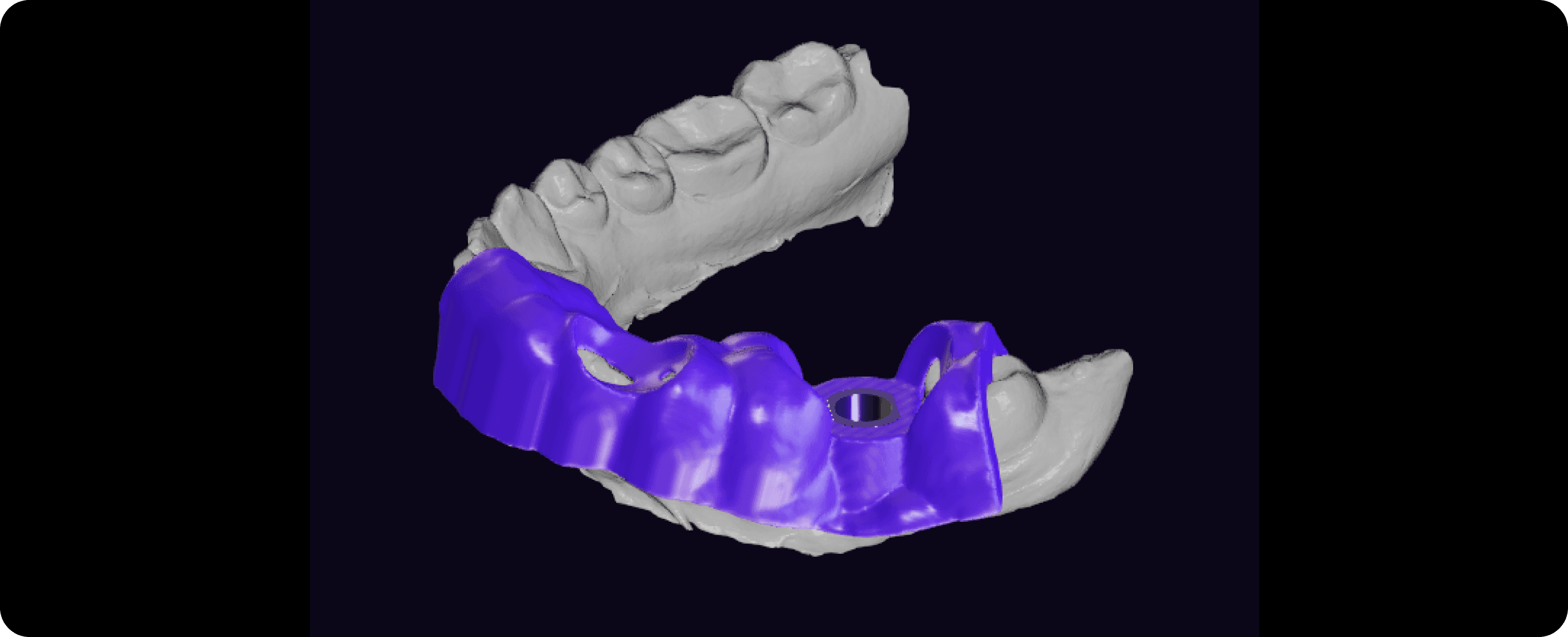
Diagnocat supports precise 3D planning of implant placement and the creation of surgical guides.
Advantages
What the report includes:
3D scene with segmentation of anatomical structures.
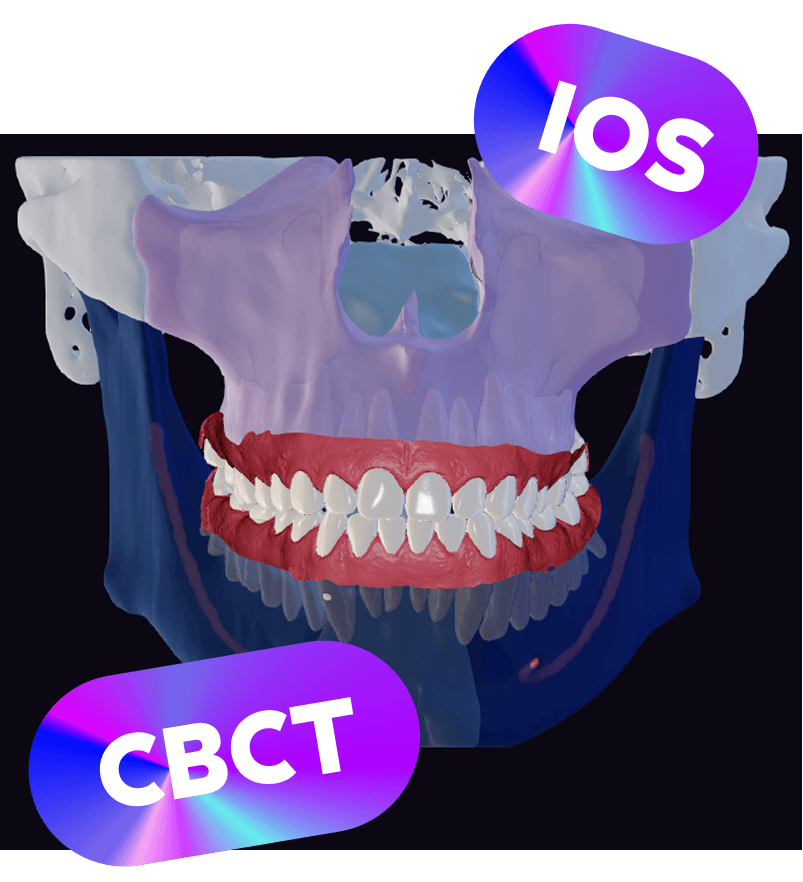
Automatic Superimposition.
Automatic tracing of the mandibular canal.
Multiplanar Reconstruction (MPR) mode.
Panoramic reformat showing the planned implant.
A color map of the distances between teeth.
Extensive library of implant systems.
Why it matters
Create a surgical guide in minutes.
AI-powered surgical guides help minimize risks and enhance precision during procedures.
Features
AI proposes the optimal implant position, and the clinician can adjust it as needed.
AI creates a “safety zone” around the implant to simplify positioning.
The surgical guide can be downloaded in STL format.
Who uses Implant Planning
Solo practitioners
Diagnocat analyzes your images, simplifies patient communication and helps patients say yes to treatment.
Learn moreClinics
Diagnocat speeds up first consultations, improves teamwork and gives practice managers clear analytics.
Learn moreLaboratories
Diagnocat automatically segments DICOM data and creates accurate STL models ready to export to your treatment-planning software.
Learn moreDiscover More Tools
View all products

See Diagnocat on your own cases.
Book your free demo

Specialists



This page may include information about features and capabilities that may not be available or approved for use in all regions. Regulatory clearance or approval varies by country. To confirm availability and compliance in your region, please contact us. For more legal information, see our Legal Information page. Find our representatives and distributors here.