 Esplora l'app
The biggest Diagnocat update ever: what’s new in October 2026
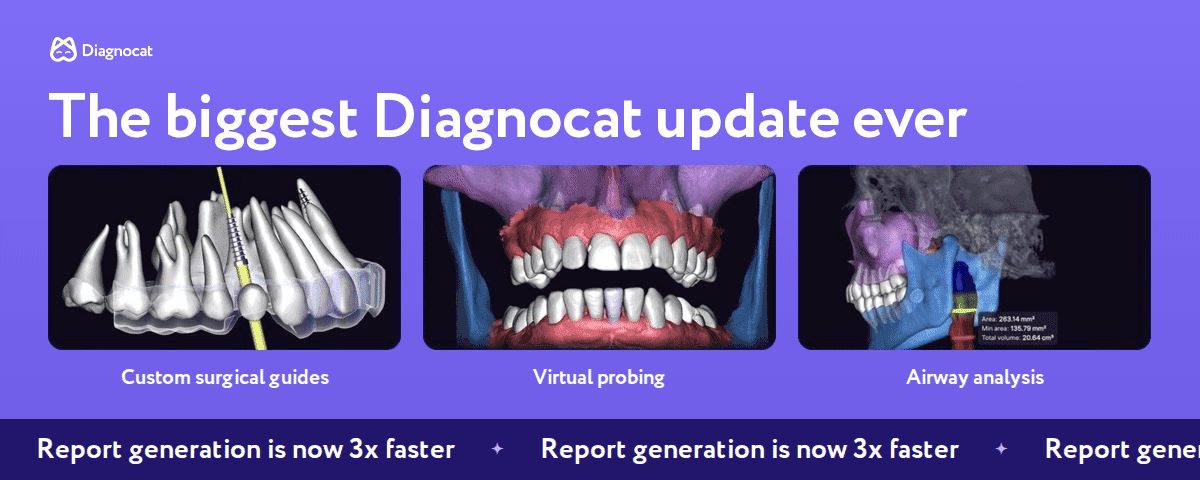
This October brings the biggest Diagnocat update ever. Major upgrades arrive at once: fully customizable surgical guides, virtual probing in the 3D Models report, periodontal bone loss values for every tooth and airway volume analysis in the 3D report. And 2D and 3D reports now generate three times faster.
Below, we explain each change in detail: how it works and where to find it in the interface.
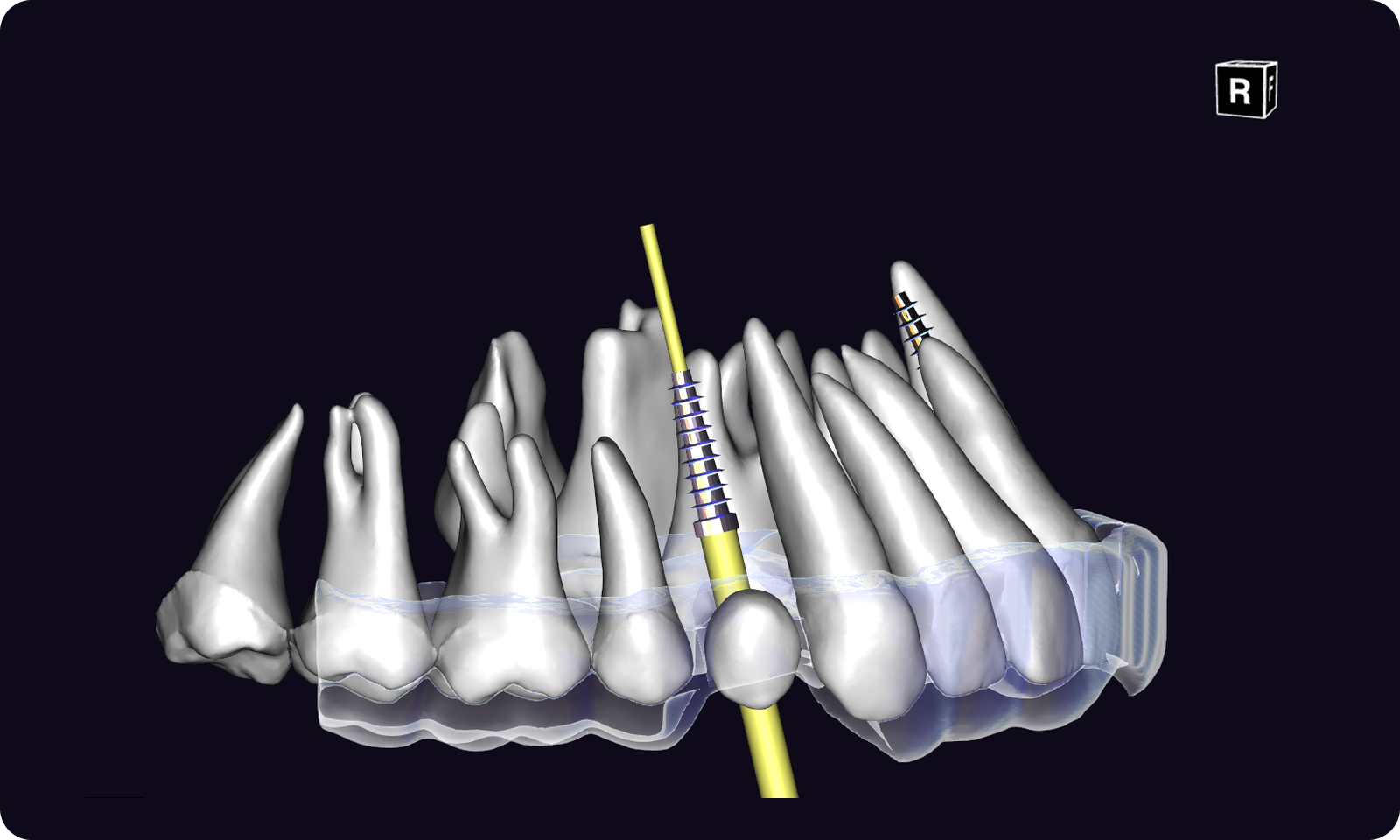
1. Custom surgical guides in Implant Report
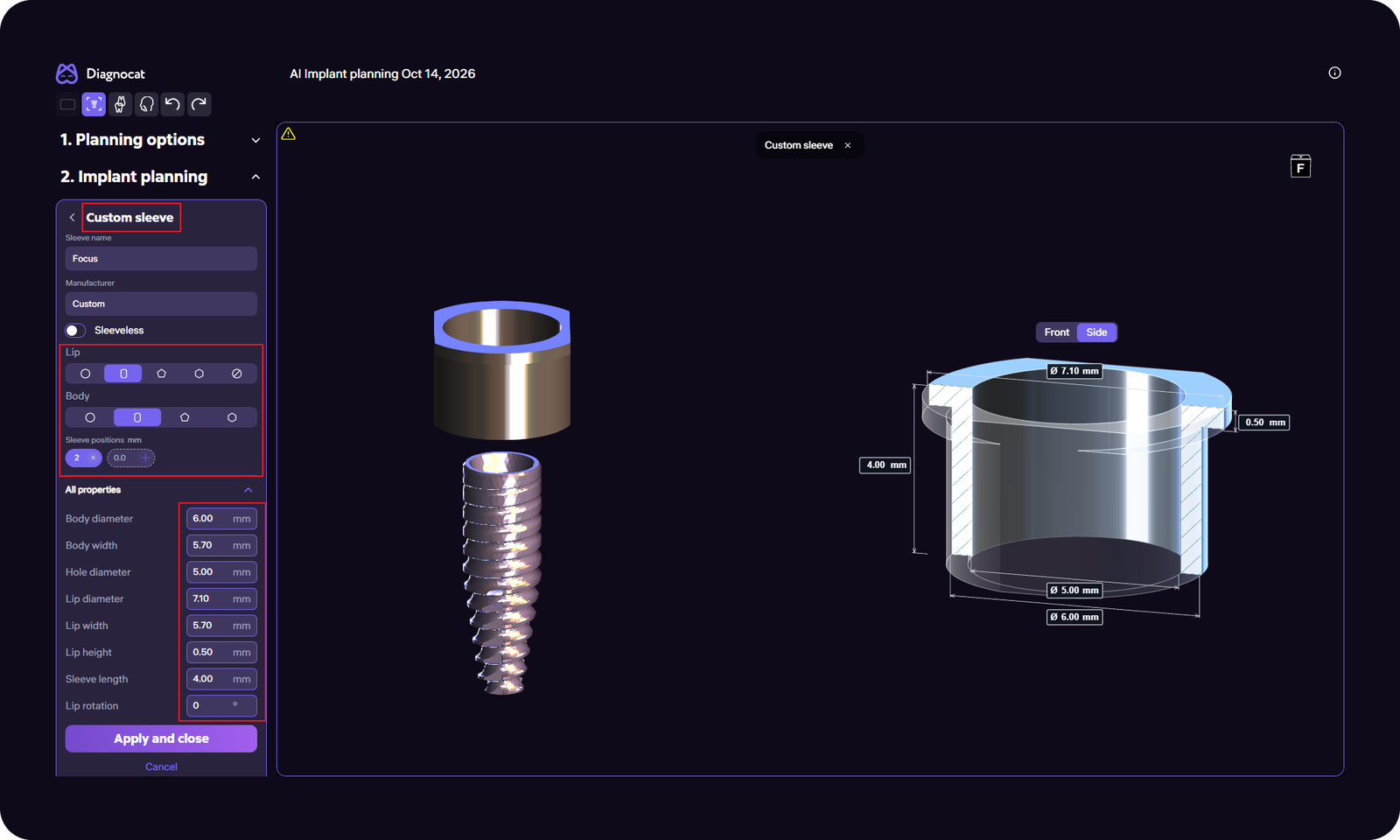
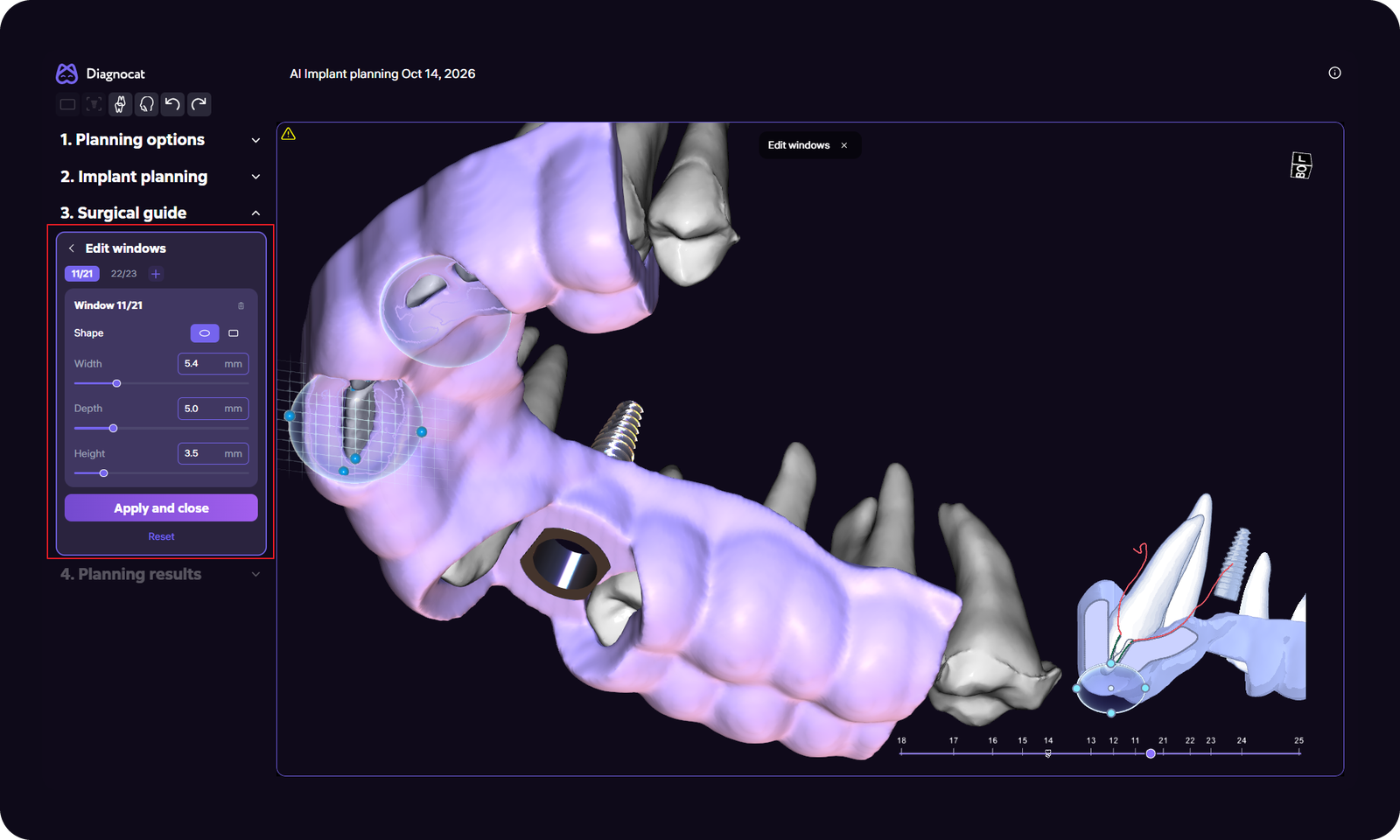
As soon as you choose the implant site, your surgical guide is generated automatically. Then you can fine-tune every detail to match your clinical plan:
- Length: use the sliders to extend the guide mesially and distally from the implant site.
- Borders: adjust them manually at each tooth, for example when the patient has braces.
- Inspection windows: choose the shape, set the size and add as many windows as you need.
- Bars: make the guide stronger and improve its fixation.
- Label: add patient details for easy identification.
- Print settings: guide thickness, inner offset and sleeve size tolerance, set to match your printer and resin.
- Precise offset control: set any value manually.
- Sleeves: add sleeves with your own parameters, or create sleeveless guides.
2. Virtual probing: an all-new periodontal screening model
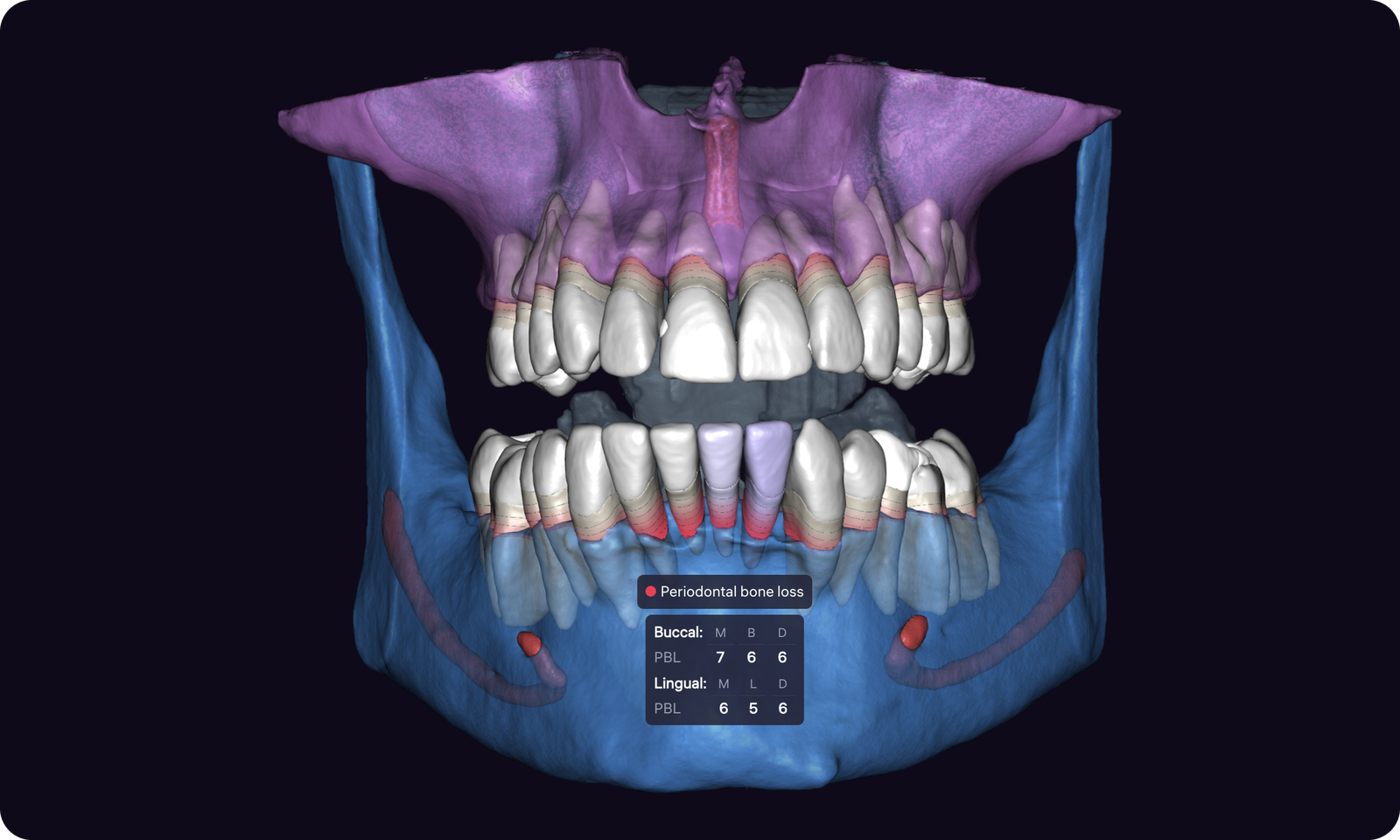
Bone level, gingival margin and probing depth for every tooth, right in the CBCT report and before the clinical exam. We have fully updated our AI model for periodontal screening, and here is what it can do now:
- Anatomical landmarks: improved detection of the alveolar bone level, the cementoenamel junction (CEJ) and the gingiva.
- Complex cases: more precise measurements, even with significant bone loss.
- CBCT and intraoral scans: works with CBCT scans alone or combined with intraoral scans, which expands the options for periodontal assessment.
On the Perio tab, the measurements tooltip that appears when you hover over a tooth now lists values in anatomical order, matching how the tooth appears on screen.
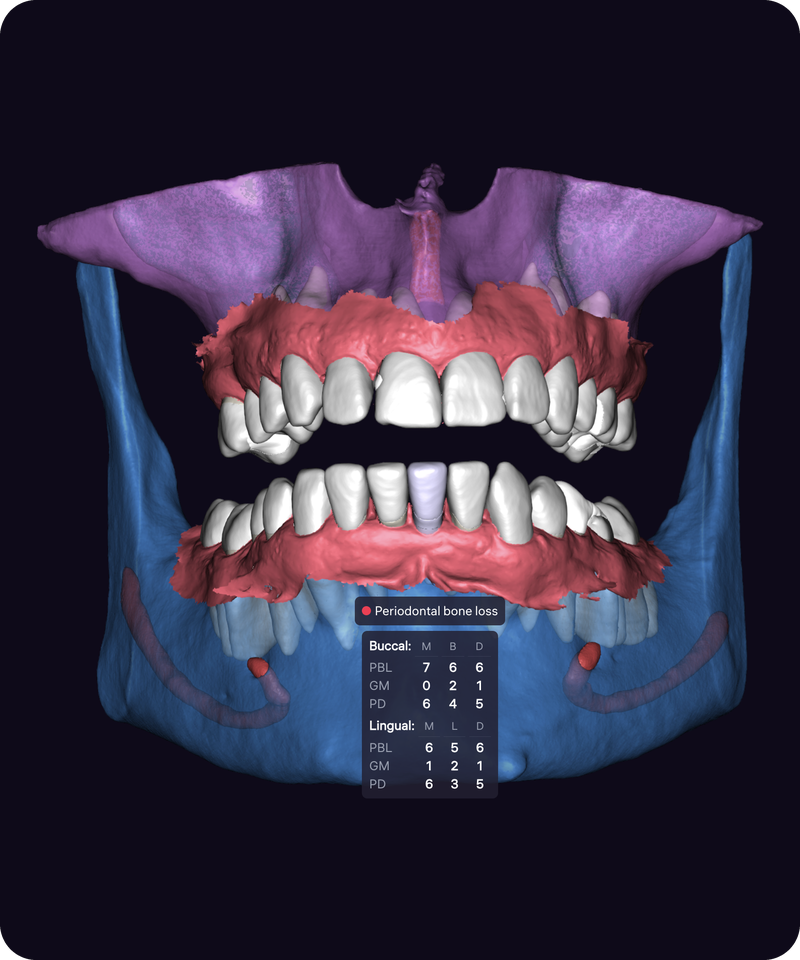
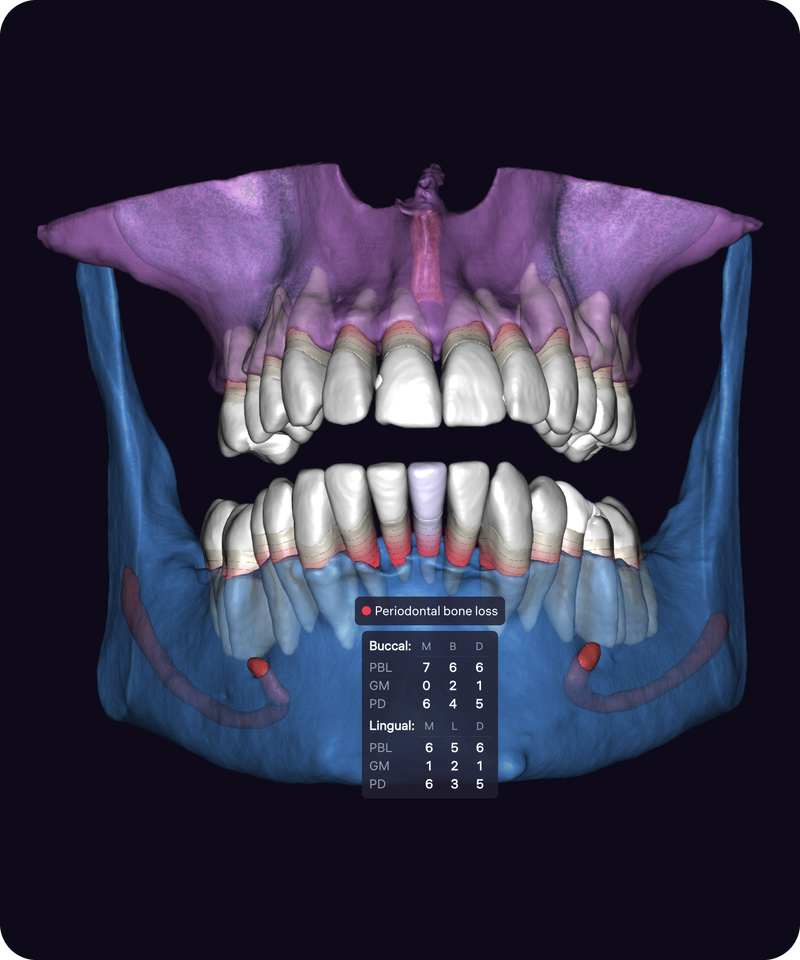
If there is no intraoral scan of the patient, Diagnocat shows bone loss from the CEJ to the bone level using CBCT alone.
3. Airway volume analysis in the 3D report
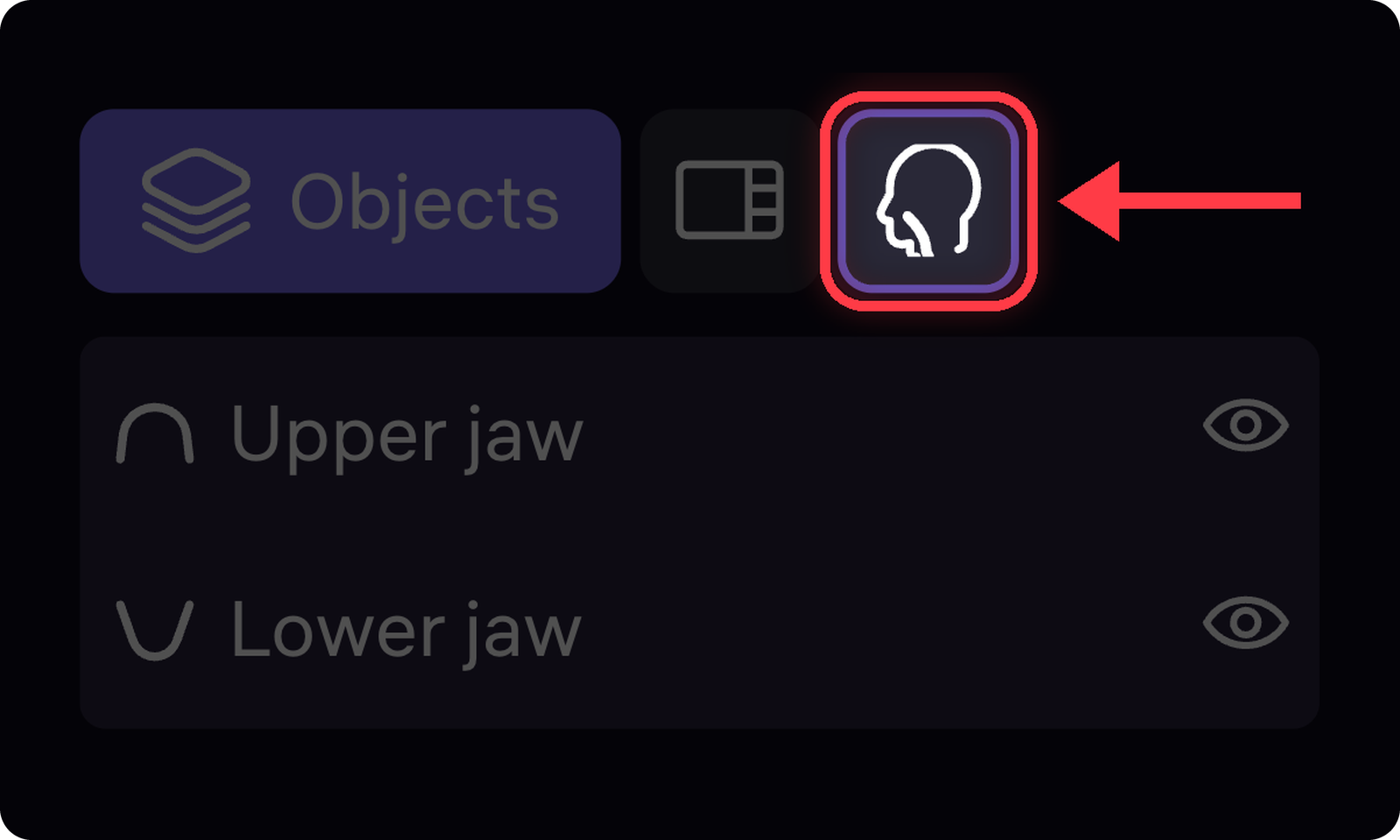
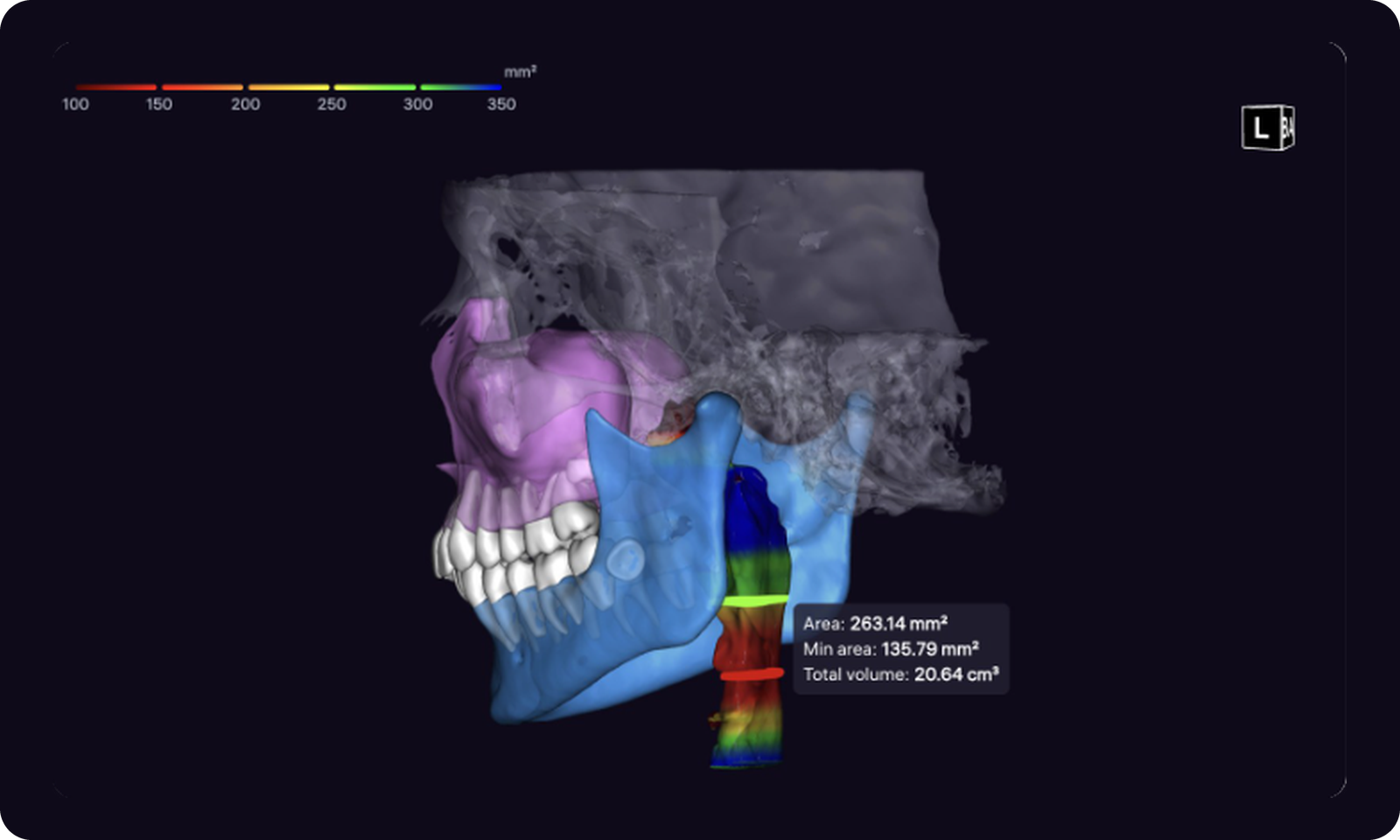
A new button in the top-left corner of the 3D report turns on a color gradient that highlights the airways by cross-sectional area. The analysis is especially useful for orthodontists and doctors who treat sleep apnea.
- Color scale: shows the value for each color on the 3D scene.
- Measurements: hover over the airway to see the cross-sectional area at that point, the minimum area and the total airway volume.
4. Report generation is now 3x faster
Our research team has optimized report generation: it is now three times faster for both 2D and 3D reports. The speed-up applies to all report types.
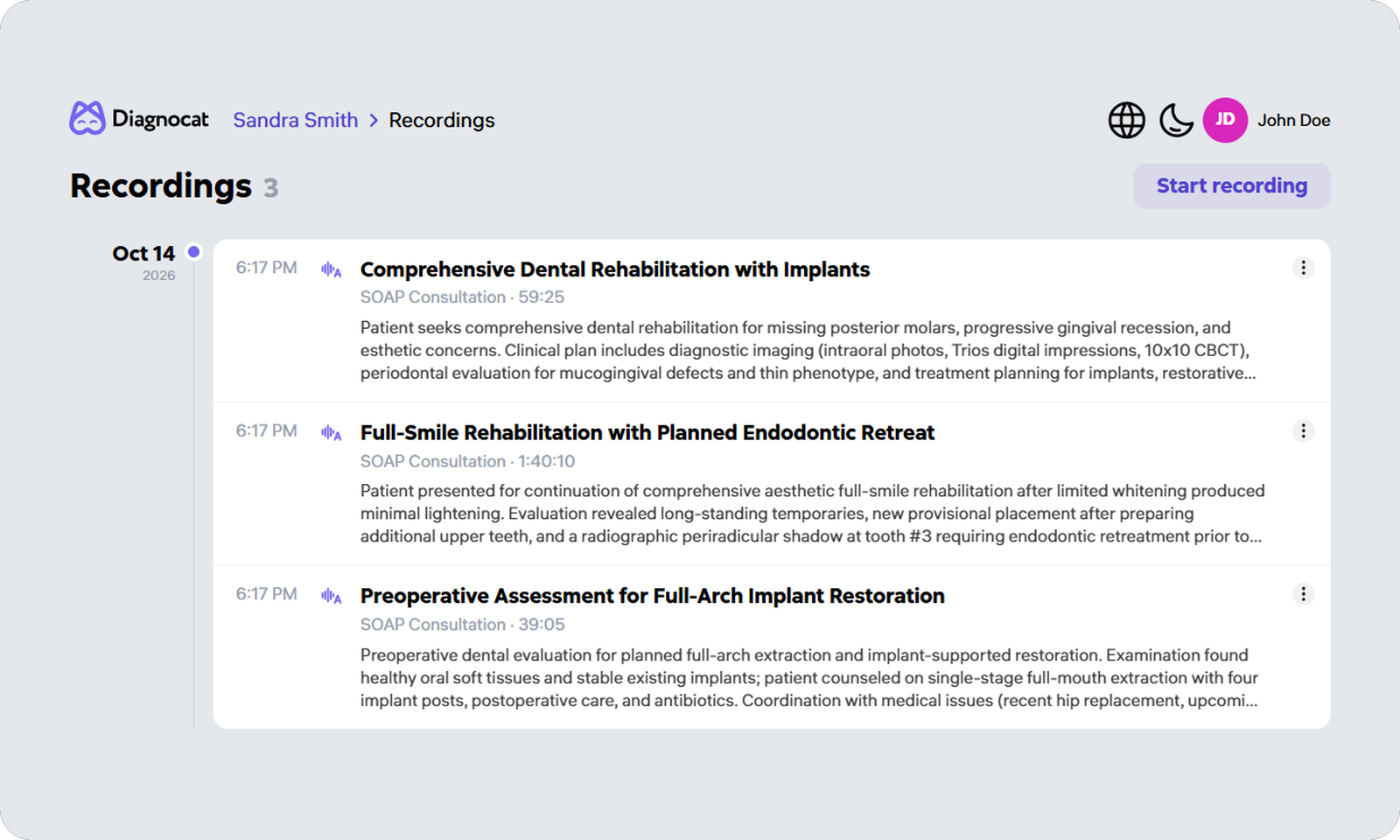
Also new: an optimized Transcriptor recordings widget
All of a patient’s consultations are now gathered in one widget on the patient page, each with its name, duration and date, so the recording you need is easier to find.
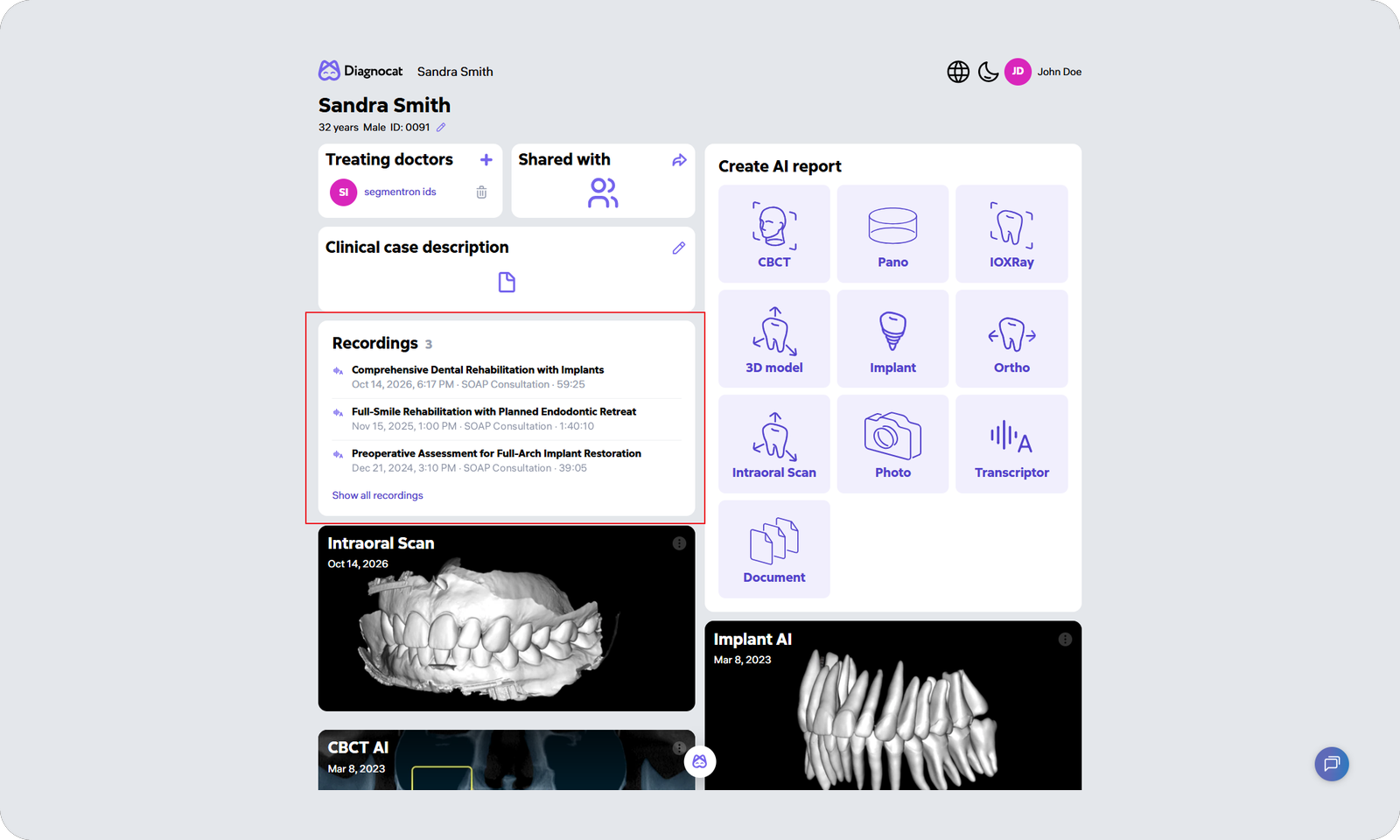
Need the full picture? Open the Recordings tab. A timeline runs down the left and the newest consultations sit at the top, so the one you are looking for is usually the first one you see. You can also start a new recording straight from the Recordings tab.