 Explore App
What’s new in Diagnocat: September 2026 update
Most of our efforts on this release came from things clinics told us got in the way: a recording widget that covered the image, 3D alignment that didn’t always suit the case, and a row of scans that all looked the same until you opened them.
Here’s what we’ve improved for you:
A Transcriptor widget that stays out of your way
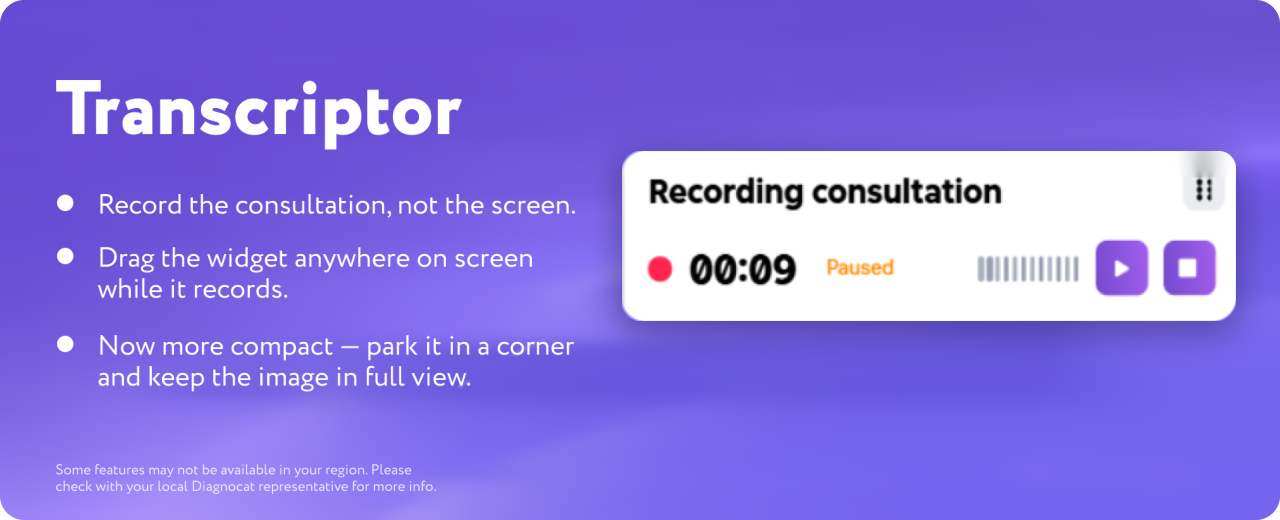
Record the consultation, not the screen. The Transcriptor widget is now smaller, and you can drag it anywhere while it records. Simply park it in a corner and keep the image or the chart in full view.
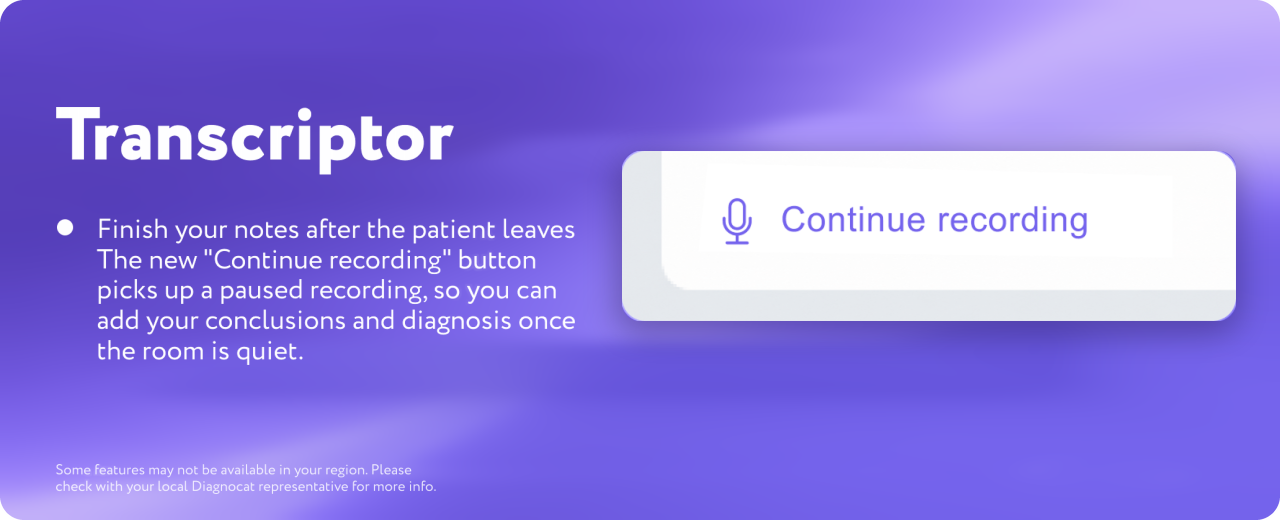
Finish your notes after the patient leaves. Our new “Continue recording” button picks up a paused recording, so you can add your conclusions, diagnosis and any other notes once the room is quiet and it is all still fresh.
Choose how your 3D model lines up
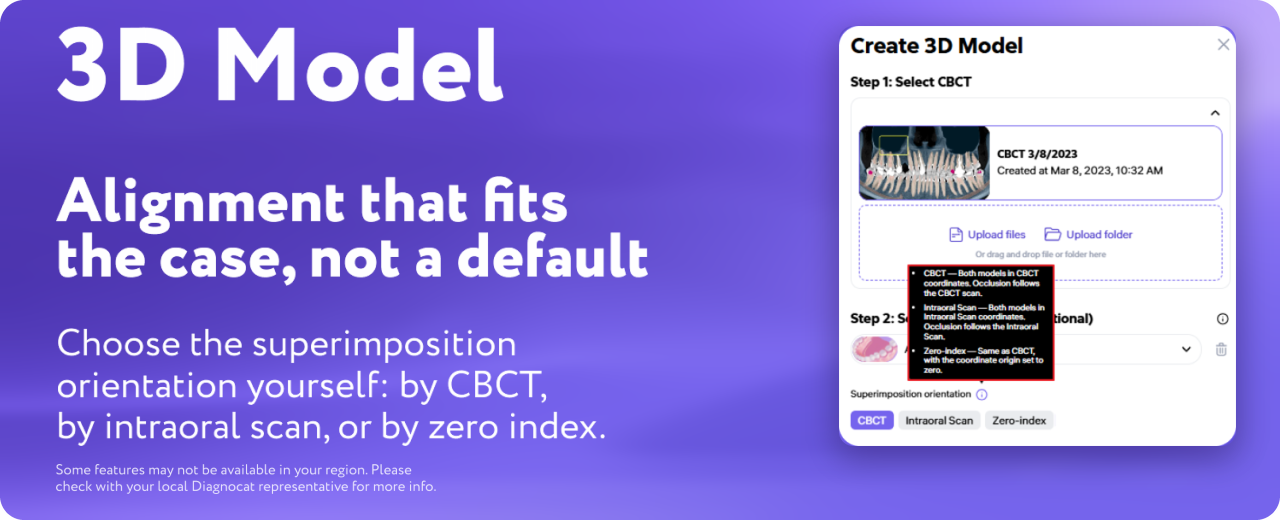
Alignment that fits the case, not a default. When you build a 3D model, you can now pick the superimposition orientation yourself: by CBCT, by intraoral scan, or by zero index. Every case has a reference you trust most, and now you get to choose it.
See a scan before you open it
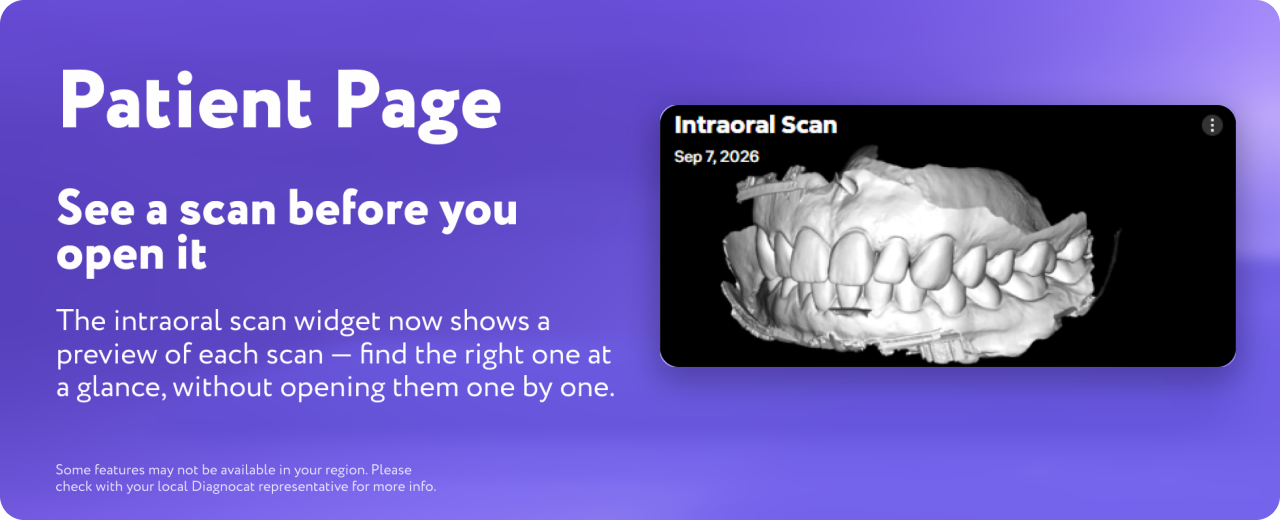
Find the right scan at a glance. The intraoral scan widget on the patient page now shows a preview of each scan. If a patient has several on file, you no longer need to open them one by one to find the one you want.
Diagnocat now speaks Hungarian
One more language for clinics in Europe. Hungarian is now available as an interface language. Switch to it in your account settings.
Everything above is already live in your account, nothing new to install or update. This release is part of our ongoing commitment to refining Diagnocat, making your workflow faster, more intuitive, and better aligned with your everyday clinical needs.